Google added a new property type to Search Console on 7 July 2026. It is called a platform property, and it lets you connect a social account and see how your posts perform in Google Search and Discover.
Search Console used to be for people who owned a website. If your audience lived on Instagram or TikTok, none of this data existed for you.
The short version. Your posts were already showing up in Google. Now you can see which ones, and for which searches. Connecting changes nothing about how you rank, it only lets you measure what was already happening.
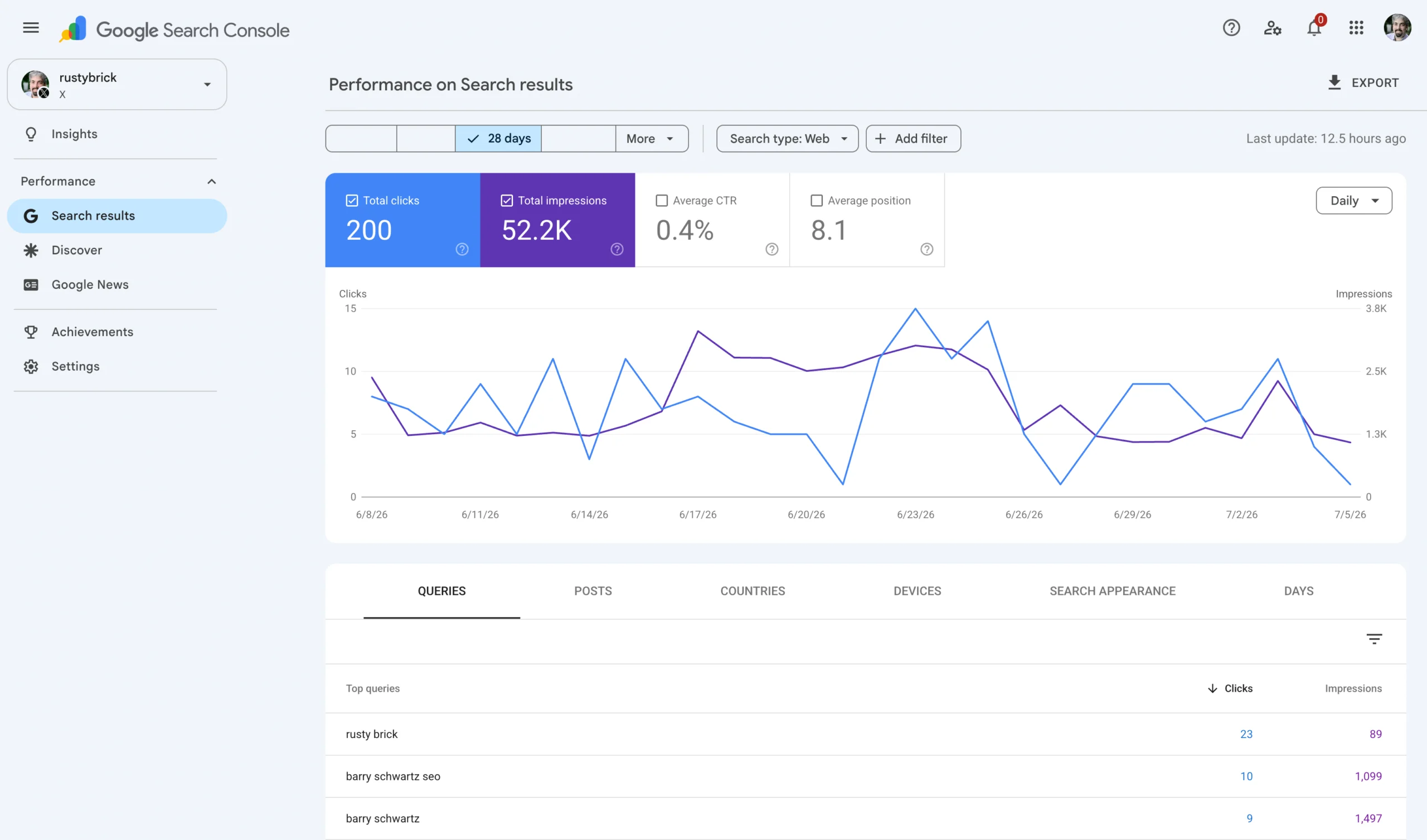
Clicks, impressions and the queries behind them, for a social account rather than a domain.
What you get
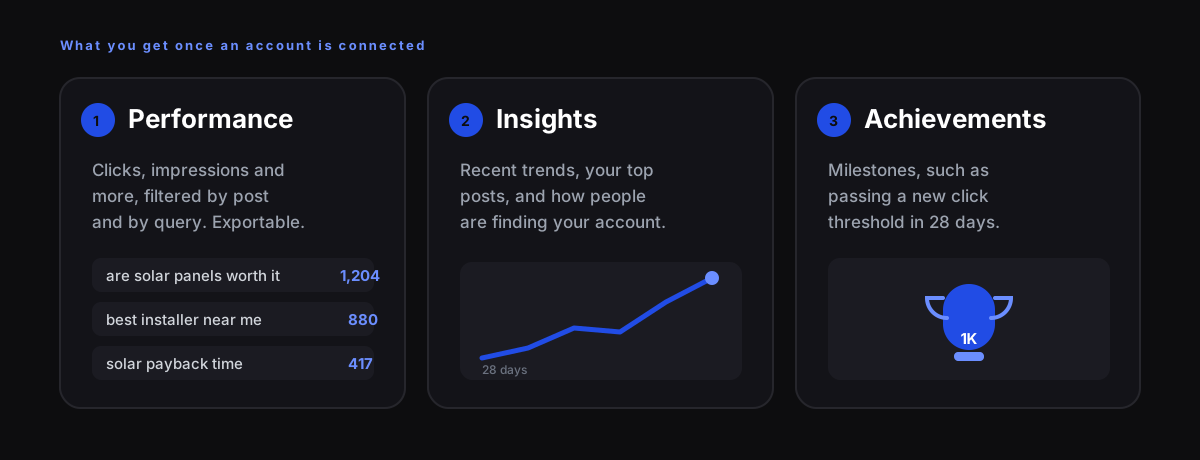
The query list is the valuable part. It is the only place you can see the words somebody typed into Google immediately before they landed on one of your posts.
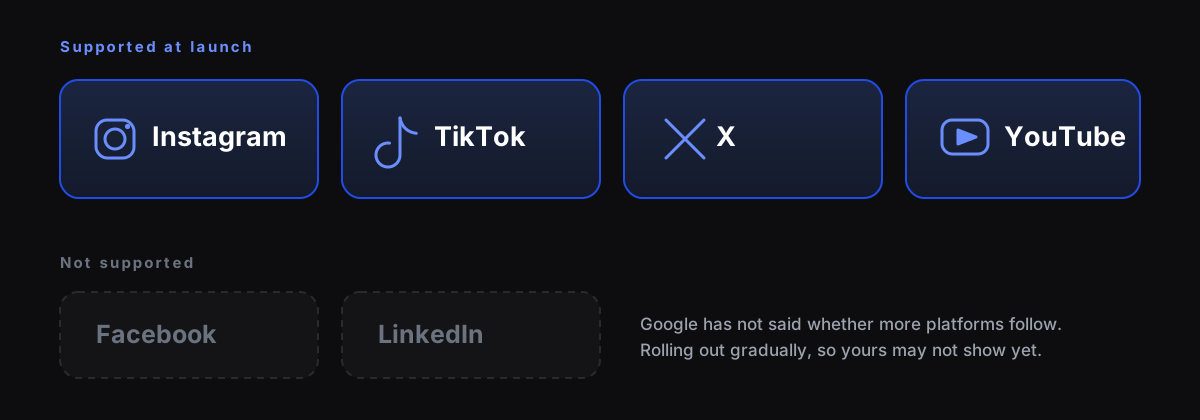
Which platforms
How to connect an account
- Open Search Console.
- Open the property selector, or go to the verification page, and click Add property.
- Pick one of the four platforms.
- Authorise the connection and choose the account.
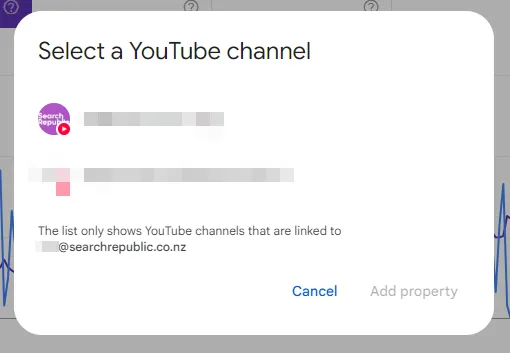
You pick the specific account, so agencies managing several can connect each one separately.
You do not need a website. This is the first time Search Console has worked for accounts with no site attached, and it is the part most coverage skips. It takes about a minute per account.
What it does not do
Connecting a platform property does not affect your ranking. It does not change how your posts are indexed and it does not make them more likely to appear in Search or Discover.
Search Console has never been a ranking input. This is a reporting tool, and it is worth saying plainly because a lot of the coverage implies otherwise.
That is still worth doing. You cannot optimise for something you cannot measure, and until July this was unmeasurable.
Read the queries, not the totals
Most people open the Performance report, look at the click count and close it.
Hashtags stopped being the main discovery mechanism a while ago. Search took over, and it works much the way it always has on the open web: somebody types a phrase describing what they want, and the platform matches it against your words.
So the query list is really a content brief. It tells you which phrases already bring people in, which of those are growing, and which post each search landed on.
| What you see | What it means |
|---|---|
| High impressions, low clicks | People find you and scroll past. A hook problem, not a reach problem. |
| A query you did not target | Language your audience actually uses. Use their words. |
| A query climbing week on week | Rising demand. Make the next post about it. |
| One post carrying most clicks | A format worth repeating rather than a one off. |
The connection to AI answers
AI assistants that answer with current information are grounded in a search index. When somebody asks for a recommendation rather than a link, the answer is built from content the system can find and read.
Search Console now shows which of your posts Google surfaces and for which phrases, which is the closest available proxy for how discoverable you are to anything reading that index.
To be precise: Google has not said platform properties feed AI answers, and connecting an account does not change how any assistant treats you. What you get is visibility into the same surface those systems draw from.
Managing access
Platform properties use the same permissions model as the rest of Search Console, so you can give a client or a contractor access without handing over the account itself.
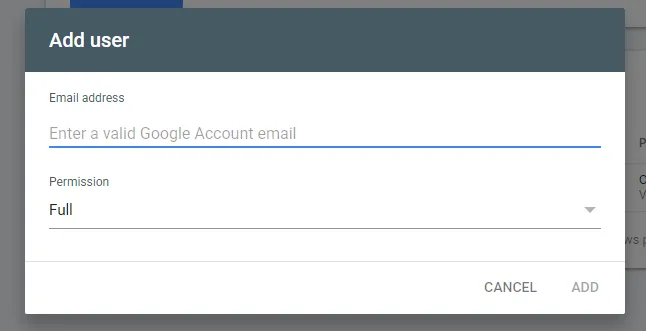
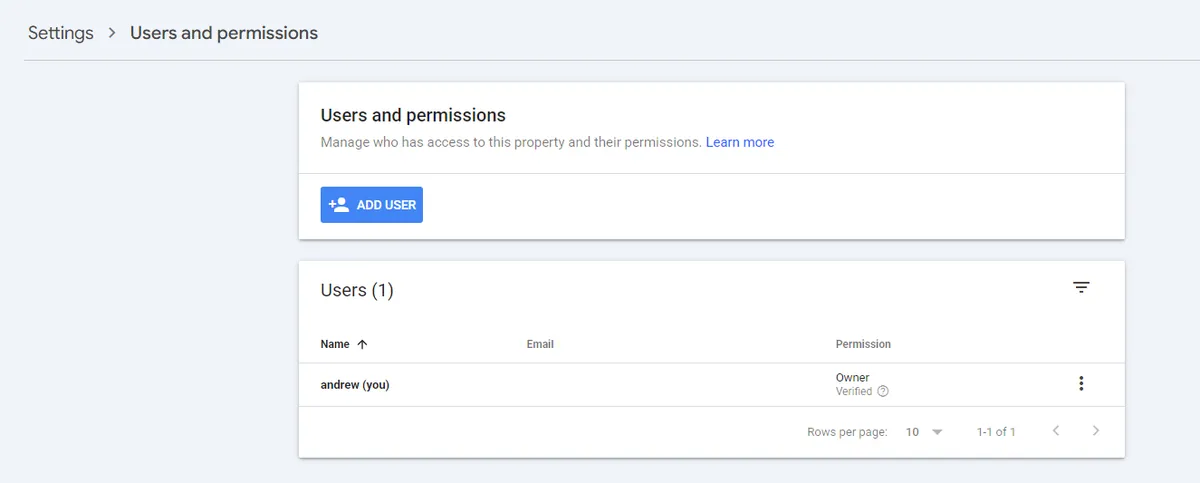
Full or Restricted, per user, and removable at any time.

Your first week
Connect every account you actually post on. Data only starts accumulating once connected, so there is a cost to waiting.
Sort by impressions and read the query list. Look for phrases you did not expect.
Find the gap. High impressions with low clicks is the fastest thing to fix.
Make the next post about whatever is climbing.
Frequently asked questions
Do I need a website? No. Platform properties work for accounts with no site attached.
Does connecting improve my ranking? No. It is reporting only.
Which platforms work? Instagram, TikTok, X and YouTube. Facebook and LinkedIn are not supported at launch.
Is it free? Yes.
Why can I not see the option? It rolled out gradually. If the property type is not in your selector yet, it should appear.